Token LED
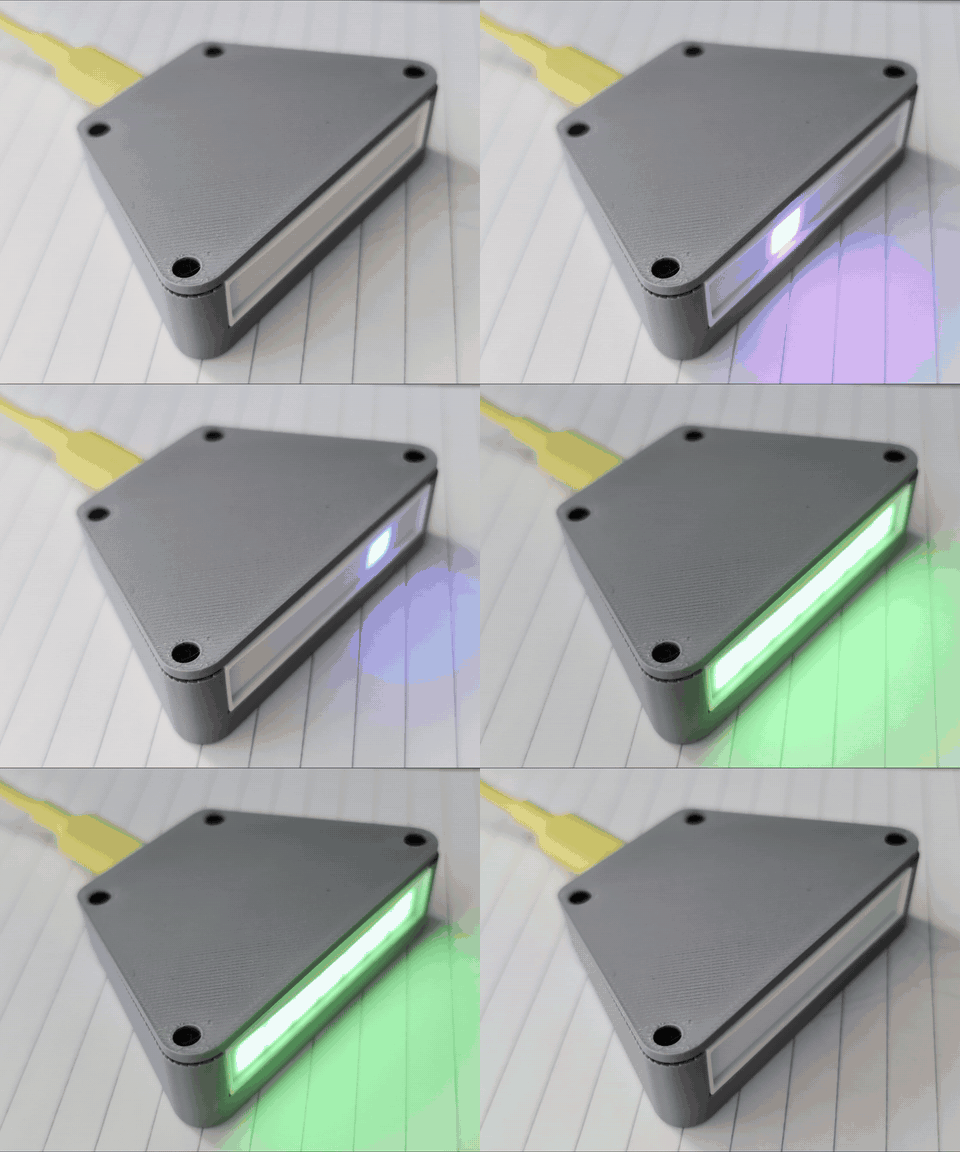
A desk LED that flashes live with the tokens Claude Code generates, and blinks when Claude waits for your approval.
1. Install the firmware
Plug the ESP32-C3 SuperMini (Plus) into this computer with a USB-C data cable, click the button and pick its serial port.
If the port does not show up: hold the BOOT button while plugging the board in, then try again. A new install erases the board (WiFi and settings start fresh).
2. Connect it to your WiFi
- After the install the LED starts its own open network
TokenLED-xxxx. - Join it with your phone; the setup page opens by itself (otherwise go to
http://192.168.4.1). - Pick your 2.4 GHz network and enter the password. The LED is then at
http://tokenled.local.
3. Let Claude Code talk to it
- Download the launcher: token_tap.exe (Windows)
or token_tap.py (macOS, Linux:
chmod +x token_tap.py). - In VS Code's user
settings.jsonadd"claudeCode.claudeProcessWrapper": "C:\\path\\to\\token_tap.exe"(or the path oftoken_tap.py). - Start a new Claude session. Claude works exactly the same when the LED is off: delete the line to switch it off.
Source, 3D-printable case and all the details: github.com/vmynick/TokenBlinker. MIT licence.